
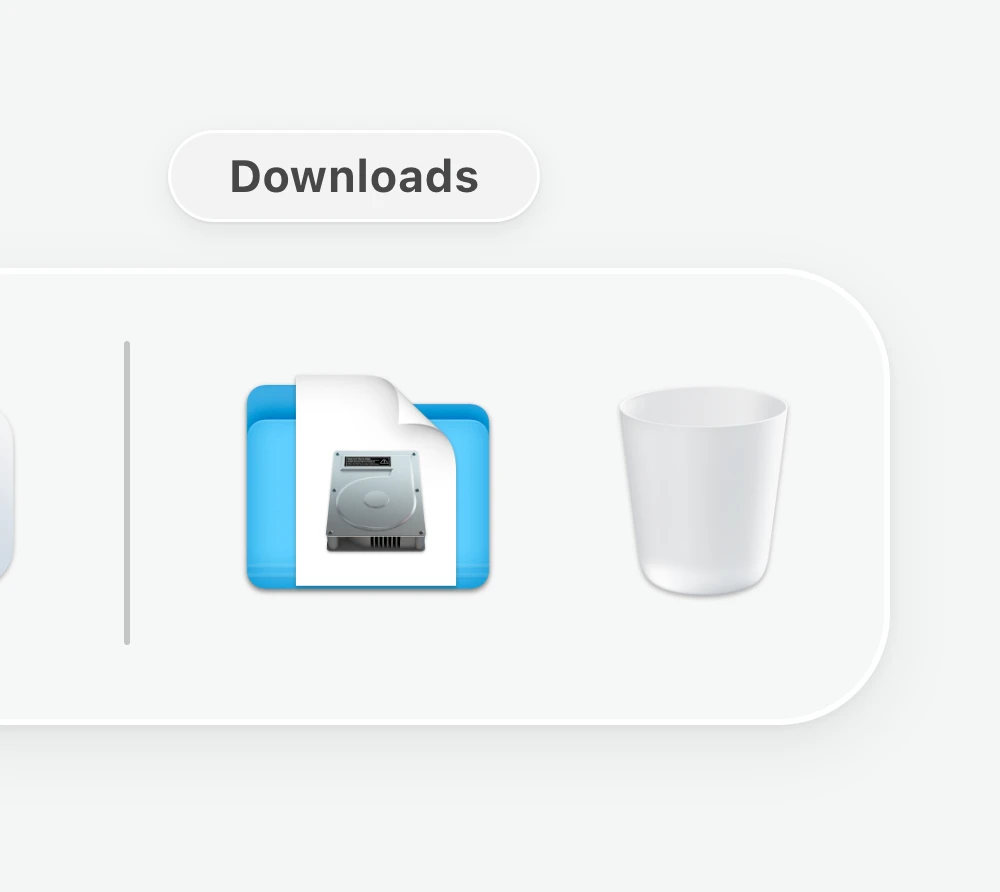
Open Codz.dmg from your
Downloads folder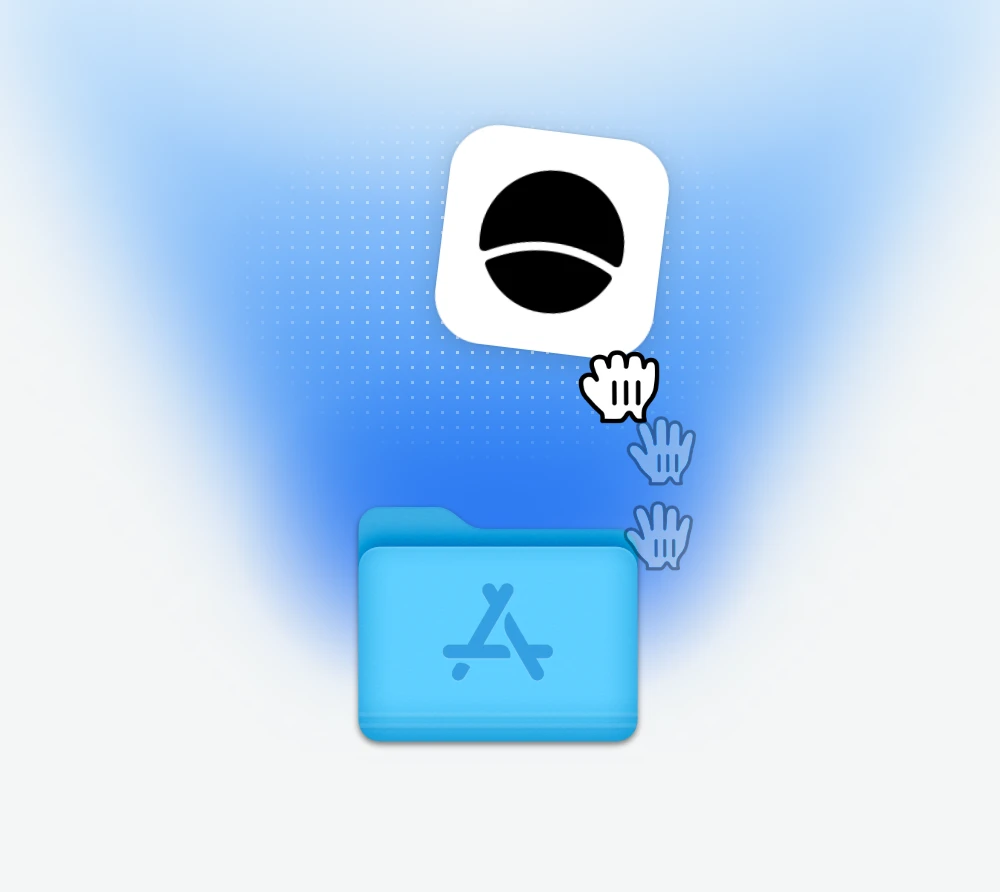
Drag the Codz icon into your
Applications folder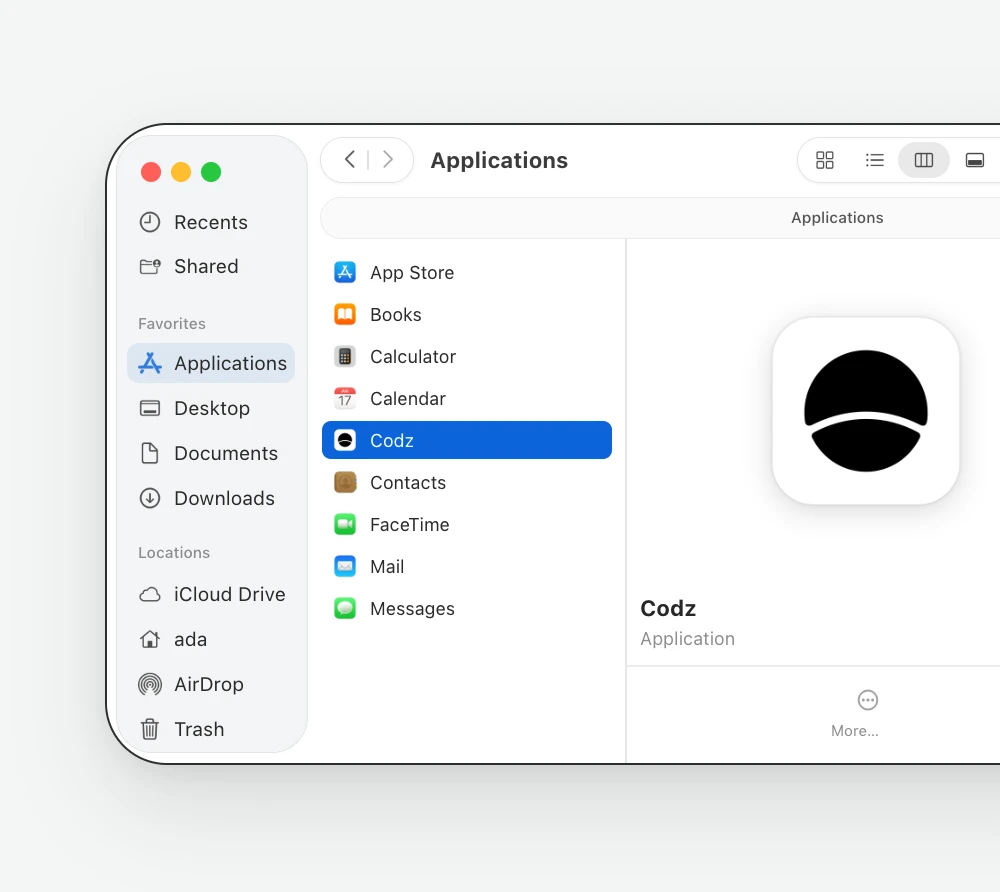
Open the Codz app from your
Applications folder
Install Codz on your Mac
Codz is a native Mac app for running, following and reviewing your coding agents, for Macs running macOS 14 or later. The Universal version runs on any of them; choose Apple Silicon or Intel x64 above for a smaller download. If the download does not begin, use the manual download link above and save the disk image to your Downloads folder.
Open the downloaded disk image, drag Codz into Applications, and launch it from there. The first time, macOS asks whether to open an app downloaded from the internet; Codz is notarized by Apple, so choose Open. Then follow the setup screens to get started.
Codz picks up the coding agents already on your Mac, signed in with the accounts you already use, so there is nothing to connect first. Visit the setup documentation for more guidance, or explore what your agents can do in Codz.