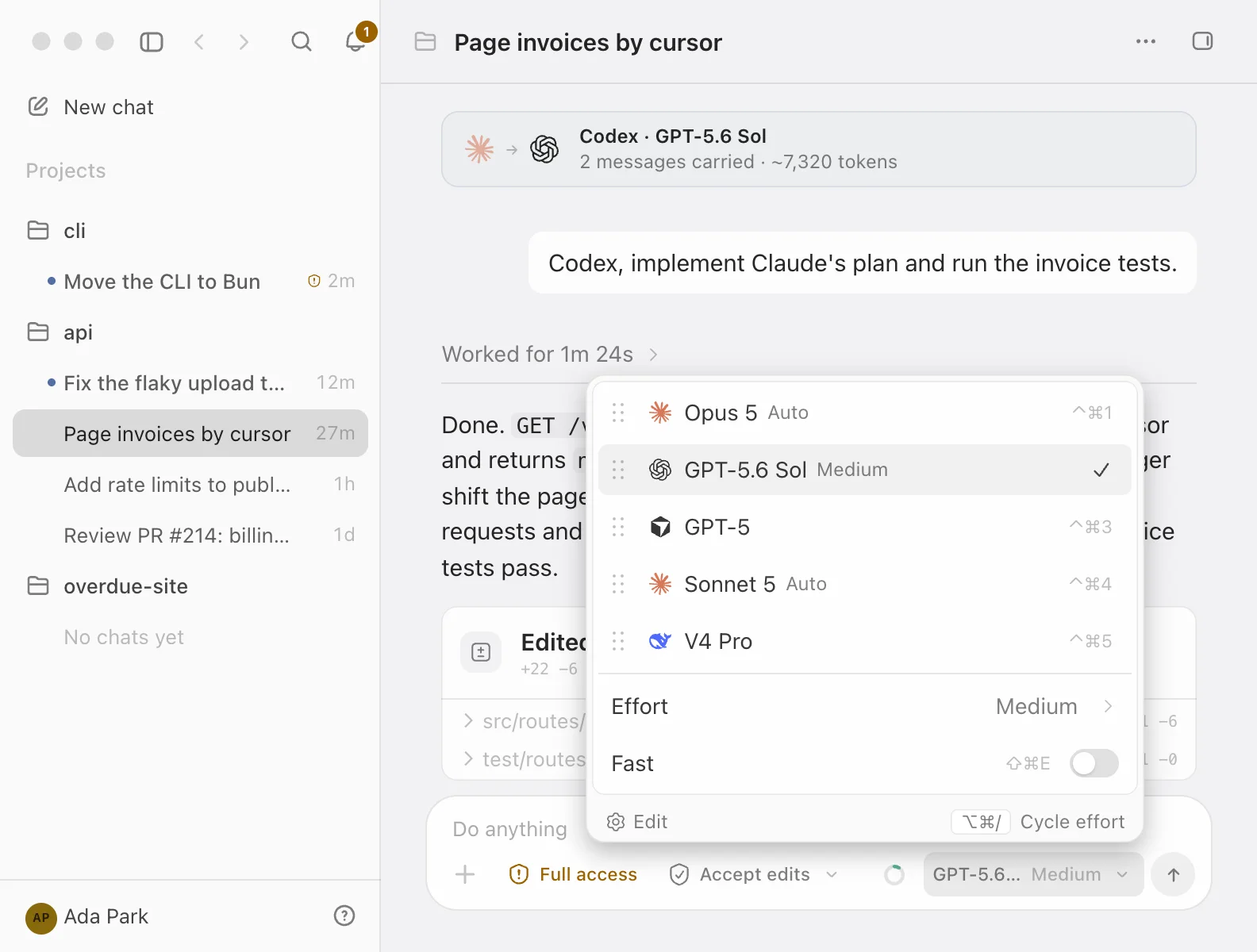
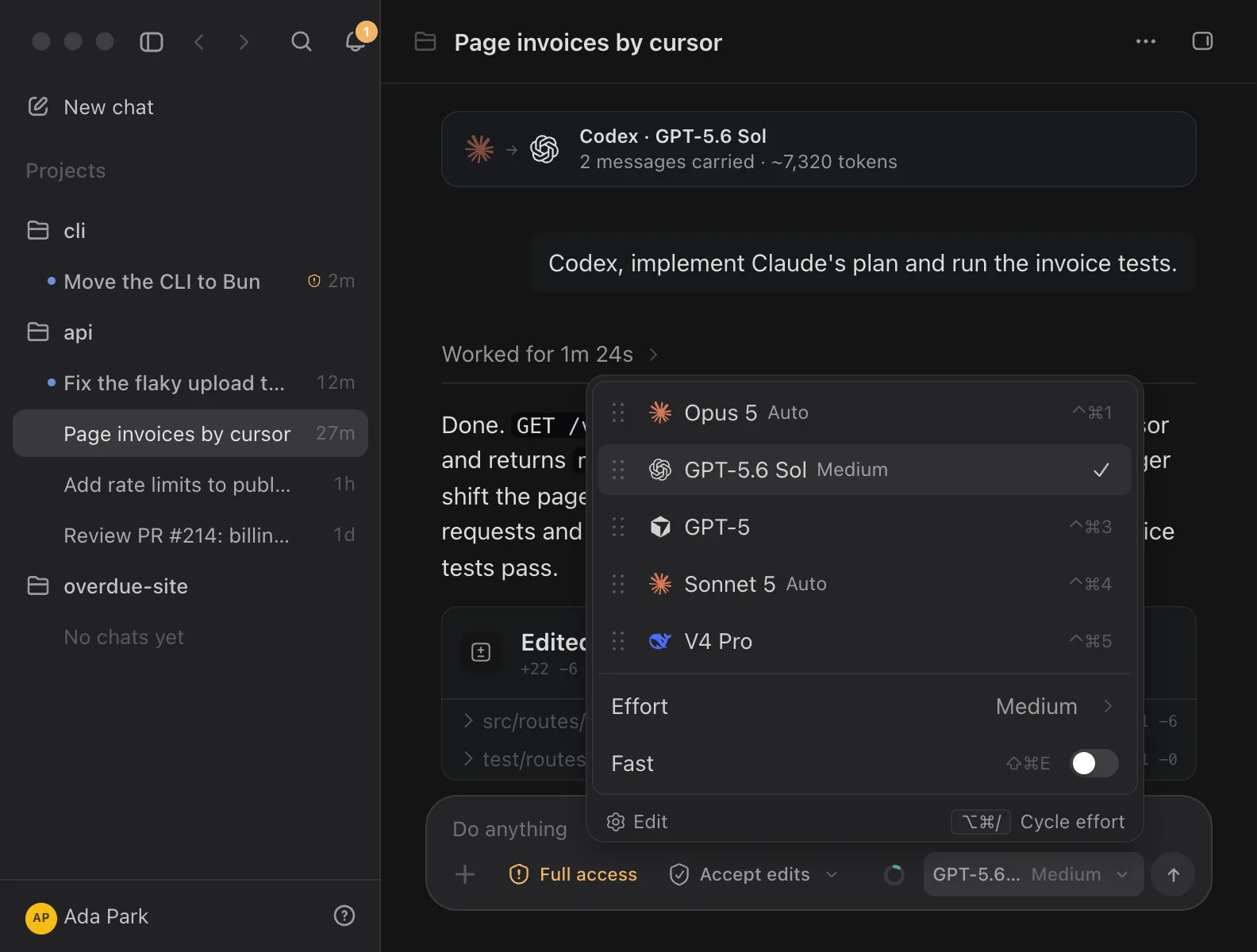
Every project and folder now has its own issues: a list, a board, a full issue page and a quick-create sheet, with the keyboard shortcuts you would expect.
Issues live next to the chats working on them, so planning the work and watching an agent do it happen in the same window.
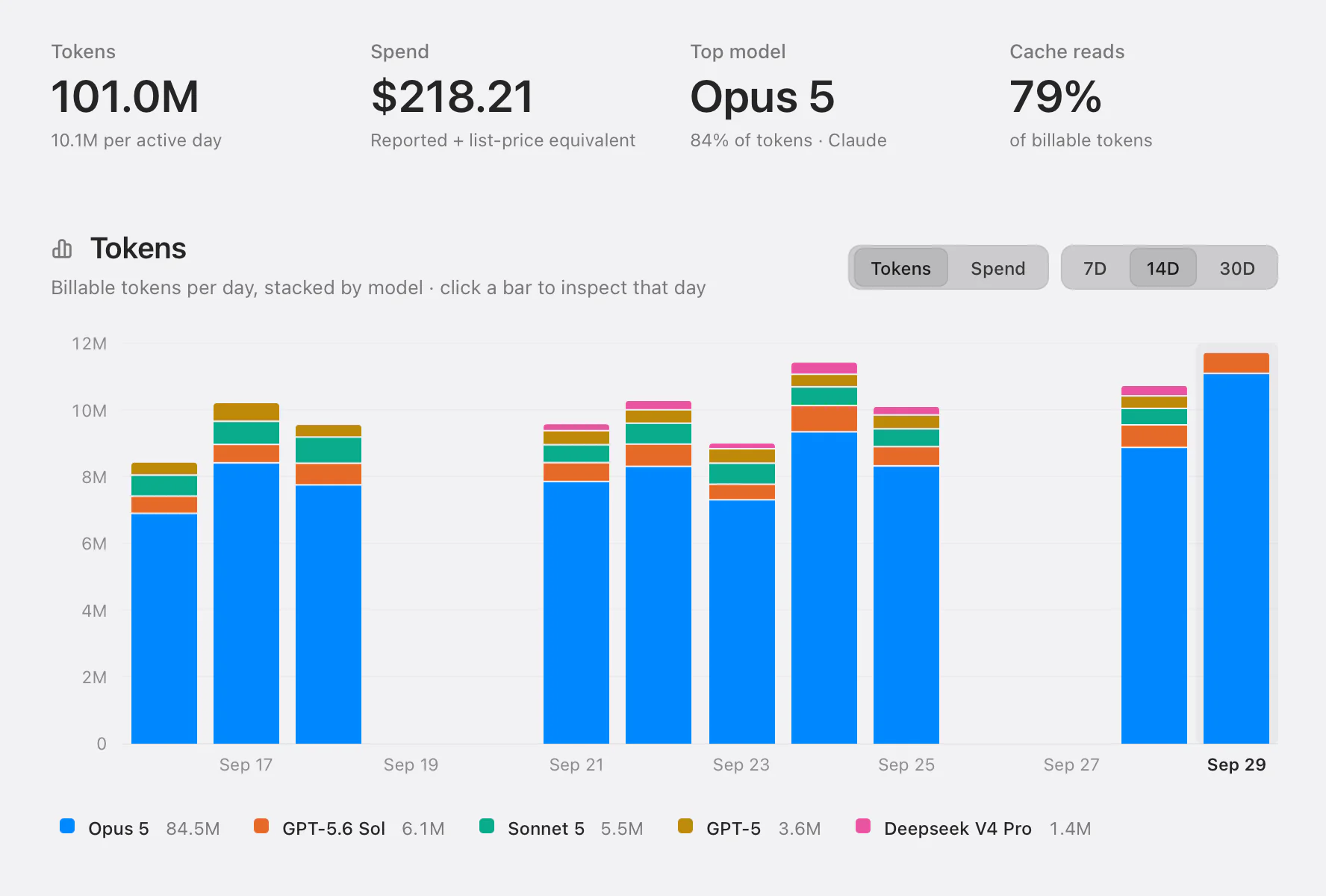
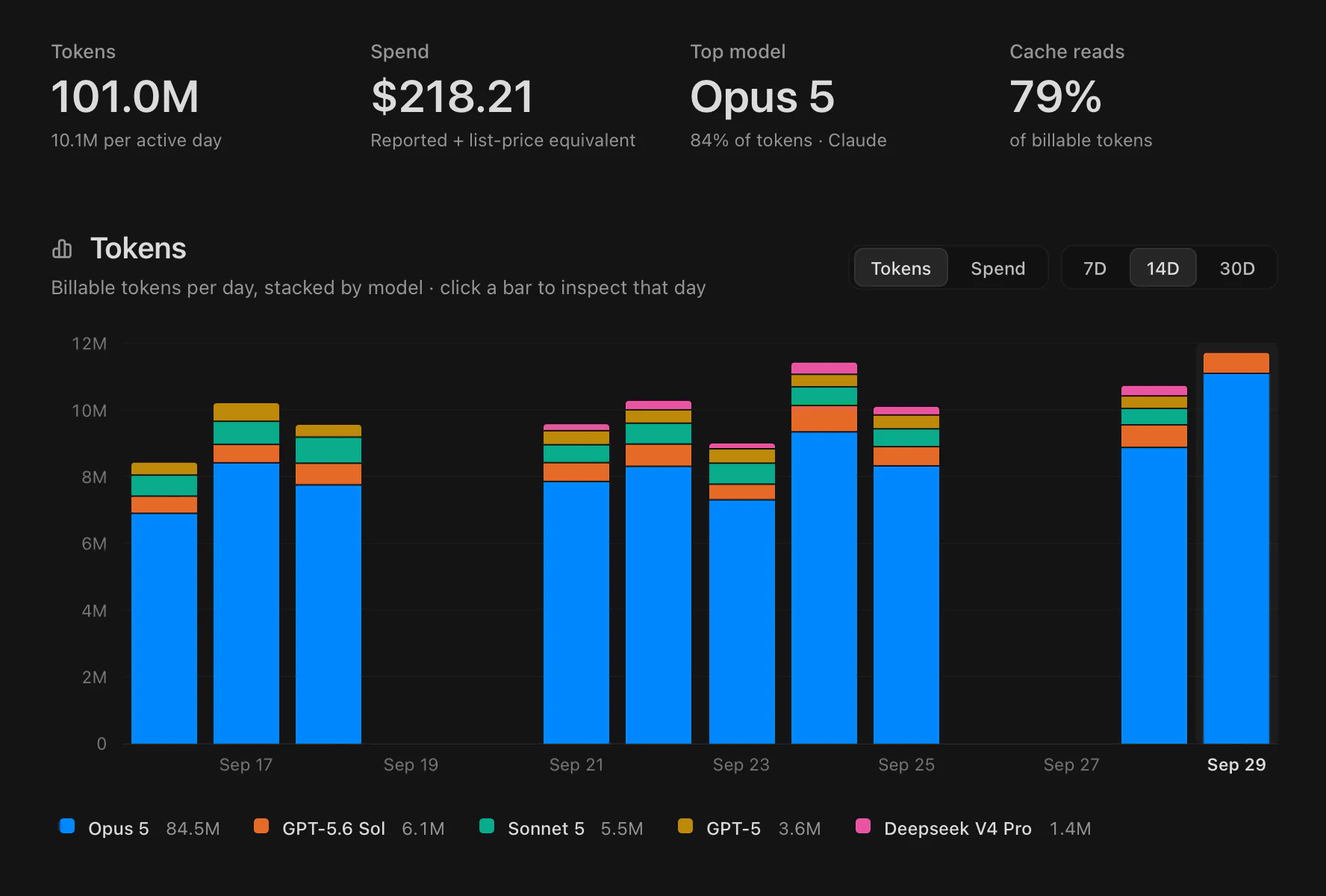
The Usage page now leads with the figures for the range you pick, then a chart stacked by model, so you can see which model the tokens actually went to.
Figures still come from each provider’s own logs. Where a provider reports context rather than billing, Codz says so instead of estimating a cost.
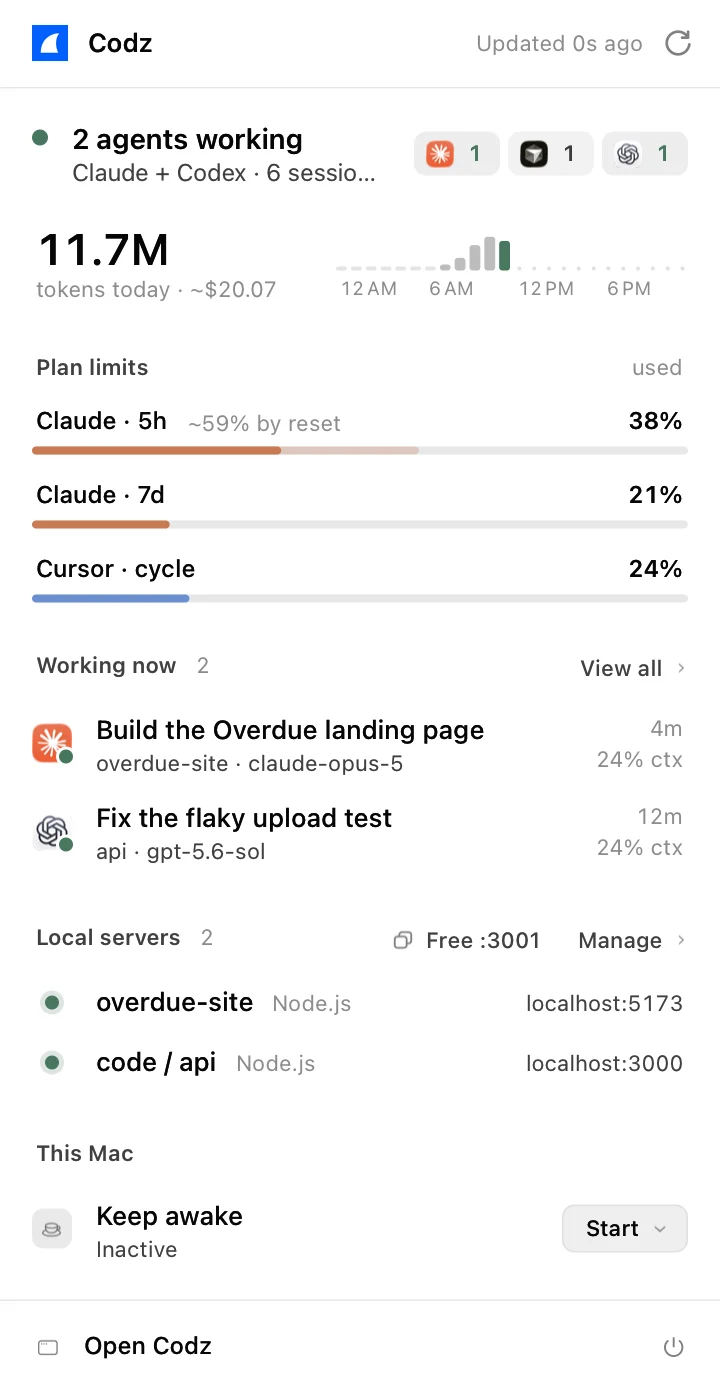
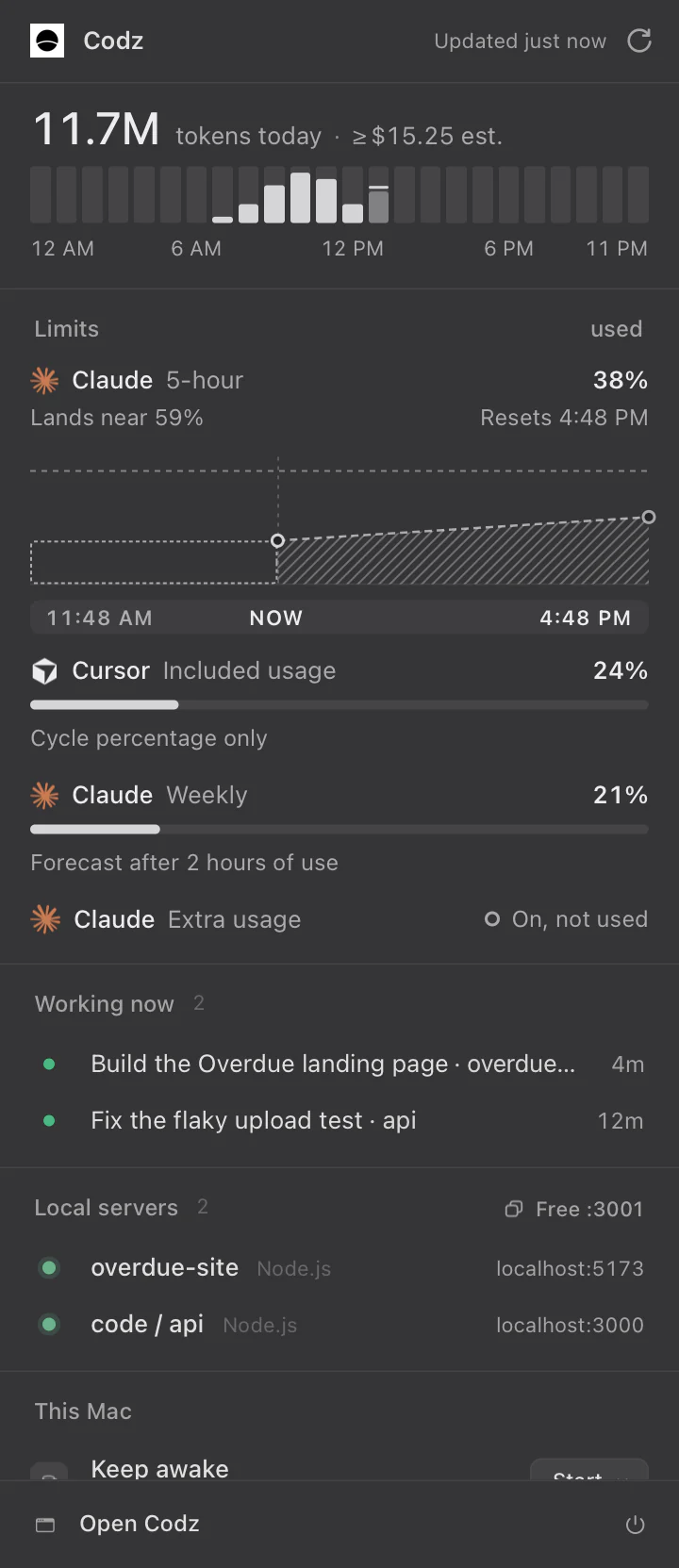
The menu bar popover is one column now: quiet section labels, colour only where something needs you, and a provider’s chip only when that provider has something to show.
Subagents and long-running commands an agent starts in the background get a panel of their own, with each one’s output, a stop button, and a way to clear the finished ones.