
Get Started
Codz documentation
Guides and reference for Codz, the native Mac app that runs every coding agent you use from one window.
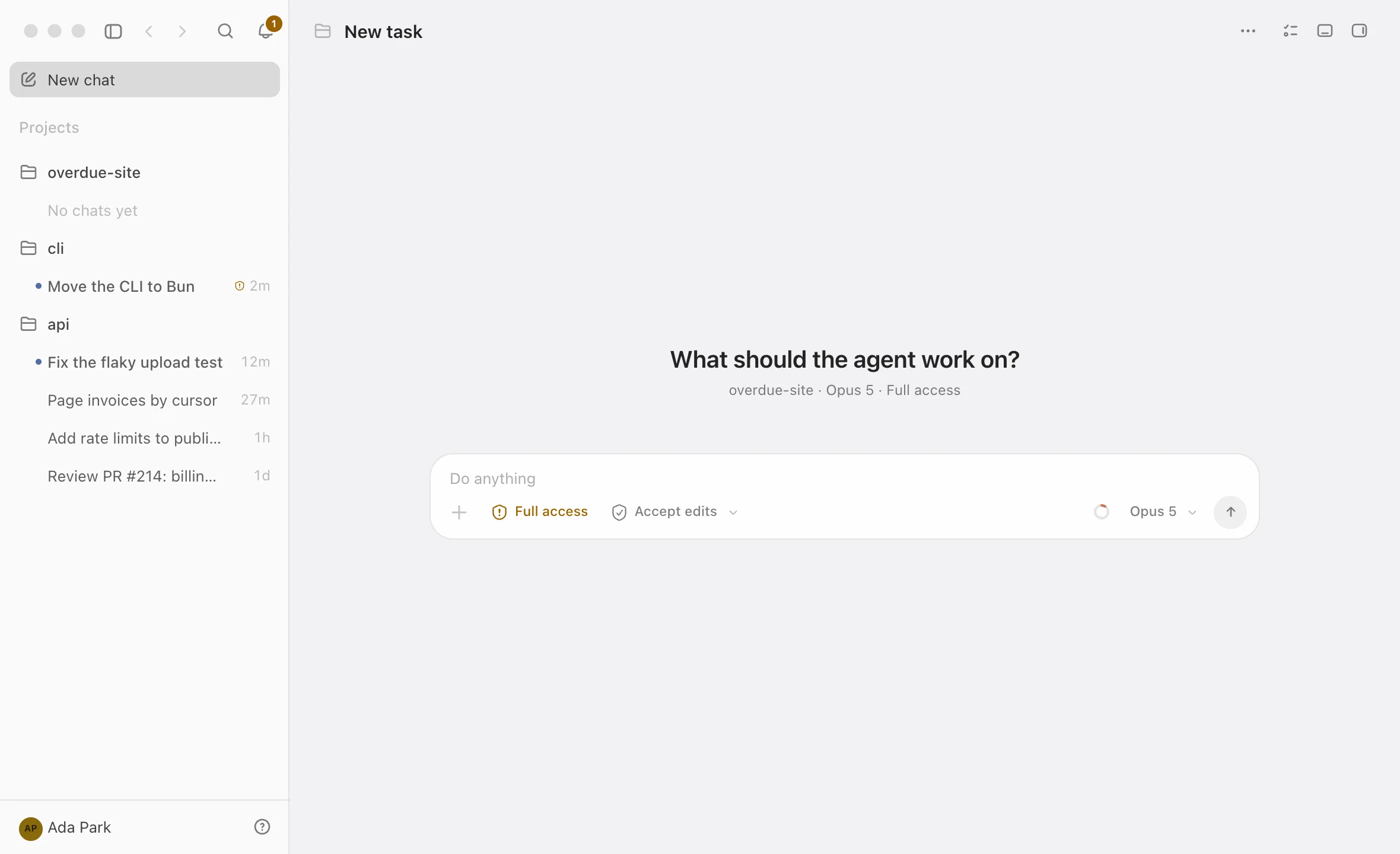
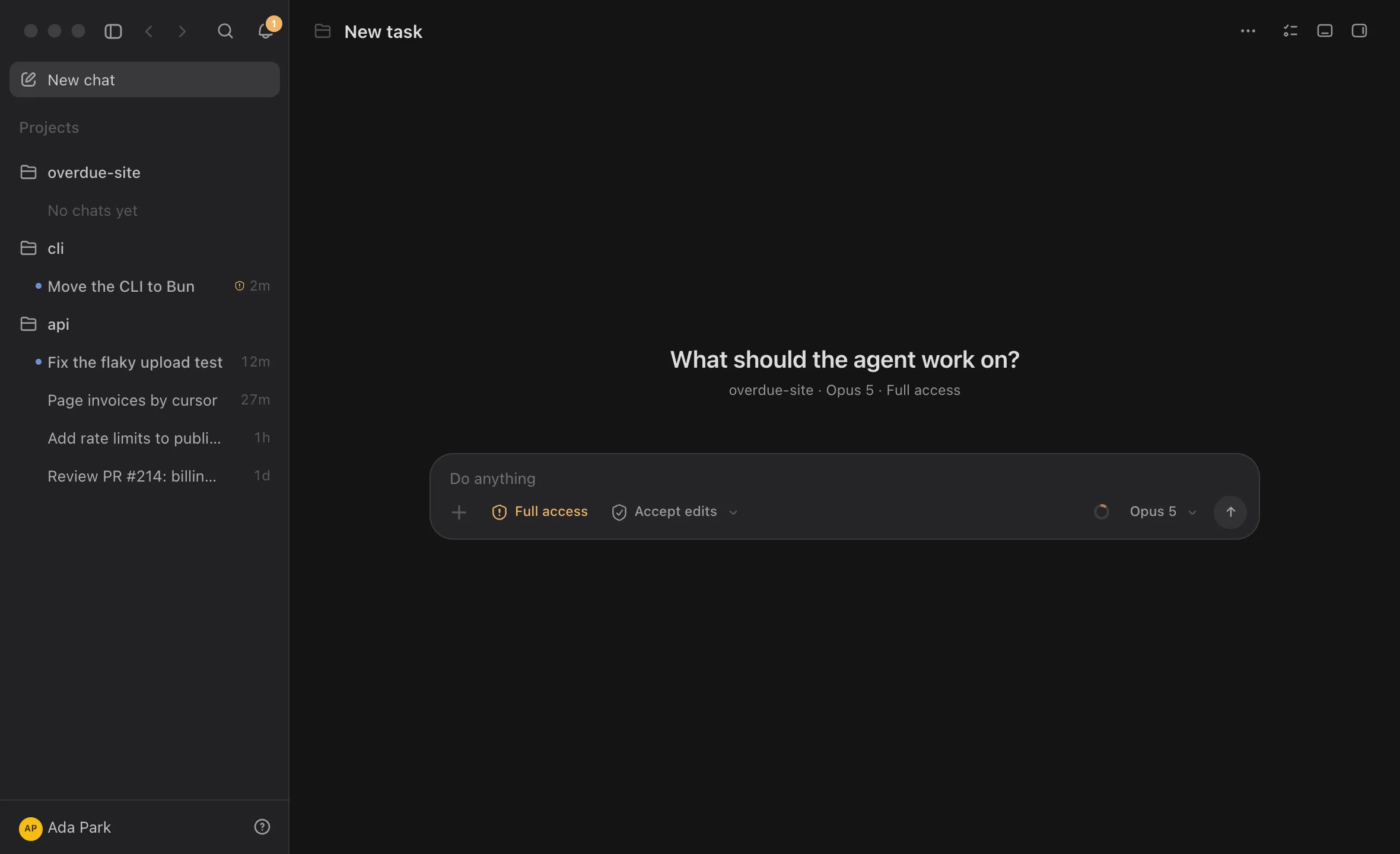
Codz is one command center for every coding agent. Claude Code, Codex, Cursor and OpenCode run side by side in a native Mac app, with every diff, file and approval beside the conversation, and OpenRouter and DeepSeek models sit in the same model picker.
Codz drives each agent’s own command-line tool with the login you already have, so work counts against the plans you already pay for. The free app works entirely on your Mac and needs no account. Codz Pro adds what your agents cost, an issue tracker for each project, Codz Remote on iPhone and iPad, and synced history.
Start here
What you can do with Codz
Supported agents
Codz drives four agent command-line tools under their own logins, and runs OpenRouter and DeepSeek models with a key you add in Settings.
| Agent | How Codz connects | What Codz shows |
|---|---|---|
| Claude Code | The claude CLI, with its own login | Billable tokens and an estimated cost from its local logs; 5-hour and 7-day limits from the Claude desktop app |
| Codex | The codex CLI, with its own login | Billable tokens and an estimated cost from its local logs; its plan windows and when they reset |
| Cursor | Cursor’s agent CLI, cursor-agent, with its own login | Tokens and cost as your Cursor account reports them; context-window fill; the billing cycle’s included usage |
| OpenCode | The opencode CLI, with the providers you connected to it | Tokens and the cost OpenCode records for each message |
| OpenRouter | Codz’s own agent, with your OpenRouter account connected in Settings | Tokens and the charge for each request; spend on your key |
| DeepSeek (preview) | The DeepSeek Harness runtime, with an API key you paste in Settings | Not collected yet |
Cursor’s account figures need the Cursor app signed in on the same Mac. Working agents and plan limits are free; tokens and cost are part of Codz Pro. Providers & logins covers each one in detail.