
Agents
Reviewing changes
See what an agent changed in each turn, open the diffs beside the chat, and put the files back the way they were before a prompt.
An agent edits your project on disk as it works, and Codz keeps the record in the chat. When a turn finishes, the edits it reported are gathered into one change card at the end of the answer, where you can read each diff, open the whole turn in the rail, or undo it.
This page covers the change card, the Review panel, the workspace checkpoints behind Undo, and where Git takes over.
The change card
The card appears at the end of a finished turn that changed files. Its title says what the turn did: Edited and the file’s name for one file, Edited N files for several, or Created N files and Deleted N files when every file was created or deleted. Under the title are the added and removed line counts for the whole turn, and on the right are Undo and Review.
When more than one file changed, the card lists them, one row per file with its folder, its name and its own line counts. Paths are shown relative to the repository the file belongs to. The first three files are listed; Show N more files reveals the rest and Collapse files folds them away again. The title always counts every file, even while the list is folded. A card for a single file is just its header.
| To | Do this |
|---|---|
| Glance at one file’s diff | Hold the pointer over its row (or over a one-file card’s header). A preview of the diff opens after a moment. |
| Read the whole turn | Click Review, or click the card’s header. Hovering the header shows Review changes. |
| Jump to one file | Click its row. Review opens scrolled to that file. |
| Put the files back | Click Undo. See Undo and checkpoints. |
Very large diffs have no hover preview; open them in Review instead.
The Review panel
Review opens a tab of that name in the rail, the column on the right of the chat. The toolbar names the turn — Last turn, or Selected turn for an earlier one — with its total line counts. The diffs are stacked one file after another, and a tree of the changed files sits beside them with a Filter files… field. Click a file in the tree to scroll to its diff, and use the toolbar button (Hide changed files or Show changed files) to give the diffs the full width. Codz remembers that choice.
The panel shows what the agent reported for that turn, not the state of your files now. Edits made later, by you or by another turn, do not change it. A file reported without a diff reads “No diff was recorded for this file.” A turn with nothing recorded shows No changes.
Unlike the Files or Git tabs, a Review tab belongs to its chat: another chat on the same folder does not show it.
Undo and checkpoints
Before each prompt you send in Full access mode, Codz takes a workspace checkpoint of the project, as long as the chat’s folder is in a Git repository. When the turn ends, the checkpoint keeps the before and after versions of every file that changed in the repository during the turn. That can include files a command wrote, so a restore can touch more files than the card lists. Checkpoints are stored privately on your Mac and never change your commits, branches or staged files.
Undo opens the Workspace checkpoint sheet. It shows the prompt under Before this prompt, what a restore will do, and every path it holds under Captured files.
- Click Undo on the change card.
- Read the list under Captured files.
- Click Restore N files.
Before it writes anything, Codz checks that every captured file still matches what the turn left. If even one has changed since, nothing is restored: the sheet says Nothing was changed and names the files that moved on. Save or review that newer work, then try again. Files that already had uncommitted changes before your prompt go back exactly as they were then, uncommitted changes included.
After a successful restore the sheet reads Workspace restored, and Undo restore puts the turn’s versions back, with the same check in reverse. That button lives only in the open sheet: once you close it, the card’s Undo is dimmed with “This turn has already been restored.”
If some paths were too large, ignored by Git or otherwise unsafe to capture, the sheet says how many and leaves them untouched.
When Undo is unavailable
Undo is dimmed with “Undo is unavailable because this turn has no recoverable workspace checkpoint.” when the turn has no checkpoint. That happens when:
- the prompt was sent in Ask or Plan mode;
- the project is not a Git repository, or had unresolved merge conflicts when you sent the prompt;
- the chat is one Codz imported from a provider;
- Claude Code started the turn on its own, after a background task reported back.
Codz keeps checkpoints only for a chat’s recent turns, up to 16 of them, so an old turn’s sheet can report “This checkpoint has expired or is no longer available.” Deleting a chat deletes its checkpoints; your project files stay as they are.
Changes and Git
The change card and Review describe one turn. Git describes your working tree as it is now, whoever changed it. When the chat’s project has uncommitted changes, a pill above the composer says how many files changed, with their line counts. Click it (its tooltip is Review workspace changes) to open the Git panel on its changes, where you stage, commit and push. Git & worktrees covers that panel.
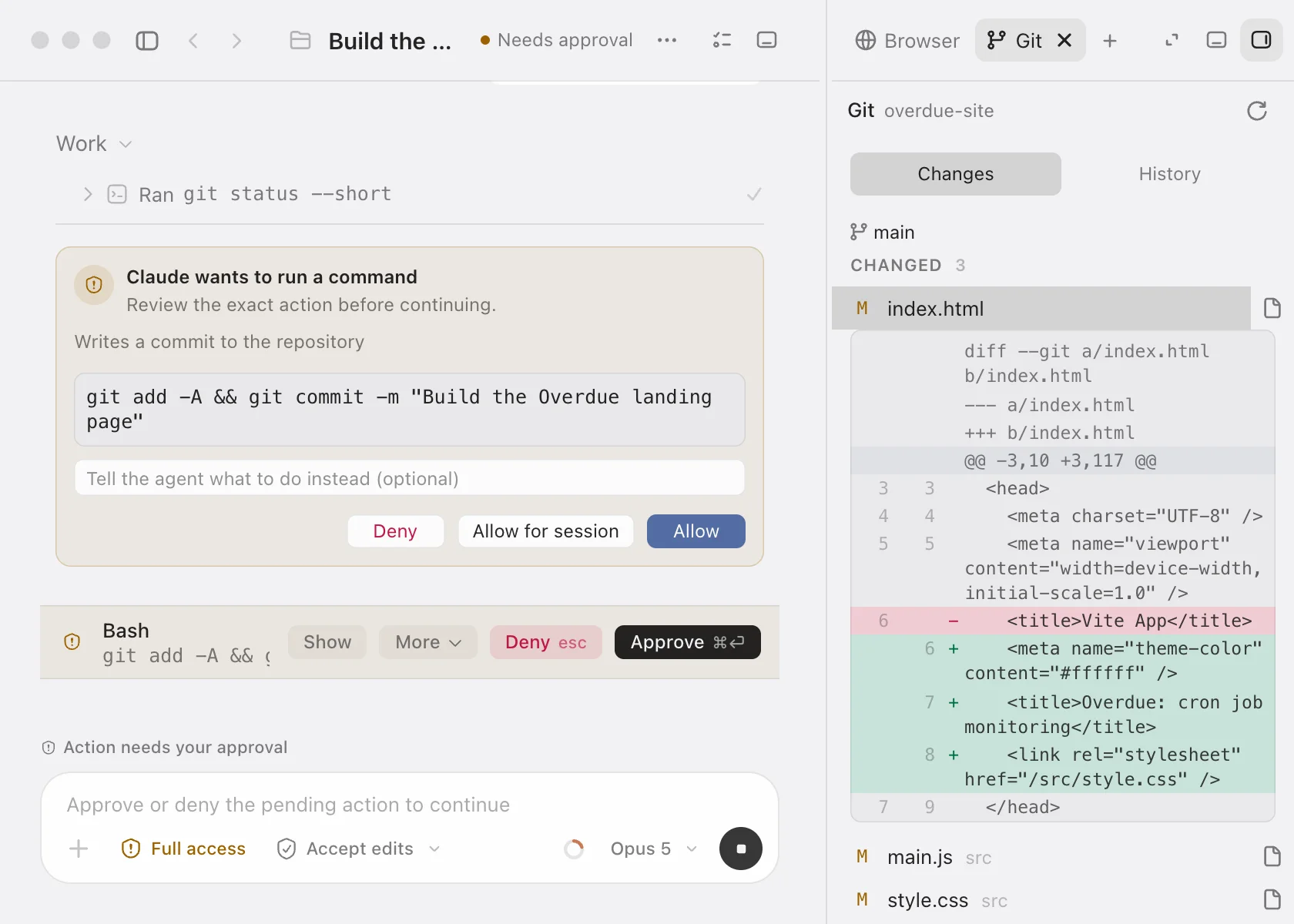
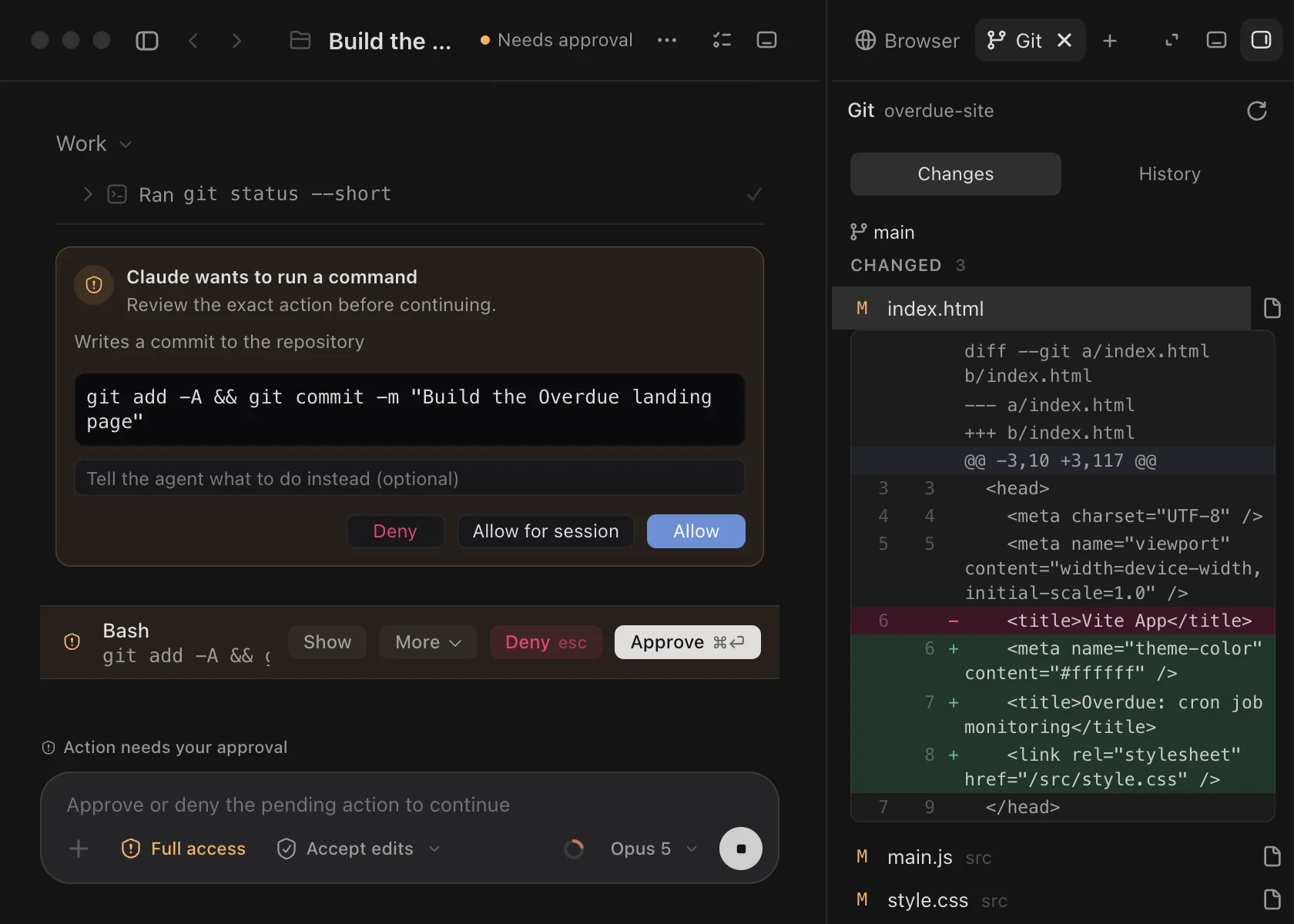
Commands, including commits, wait for you when your approval level says they should. Modes & approvals explains the choices.
Troubleshooting
Restoring says “Wait for every task in this workspace to finish first.” A restore rewrites files that a running agent could be writing too, so every chat on that folder must be idle. Stop or wait for the running turns, then click Undo again.
The sheet says “This task has moved to a different workspace.” The chat now runs in a different folder from the one the checkpoint was taken in, so Codz will not restore it there.
Review says “No diff was recorded for this file.” The agent reported the edit without its contents. The file on disk is still the source of truth: open it in the Files panel, or see what changed in Git.